
CalMame
Your and your family’s plans, on Google Calendar.
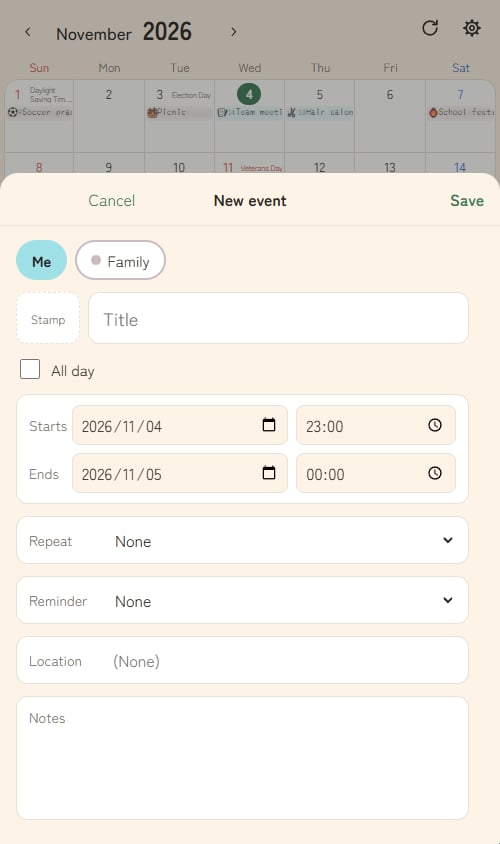
Pick the calendar with one tap and add your event.
What is it?
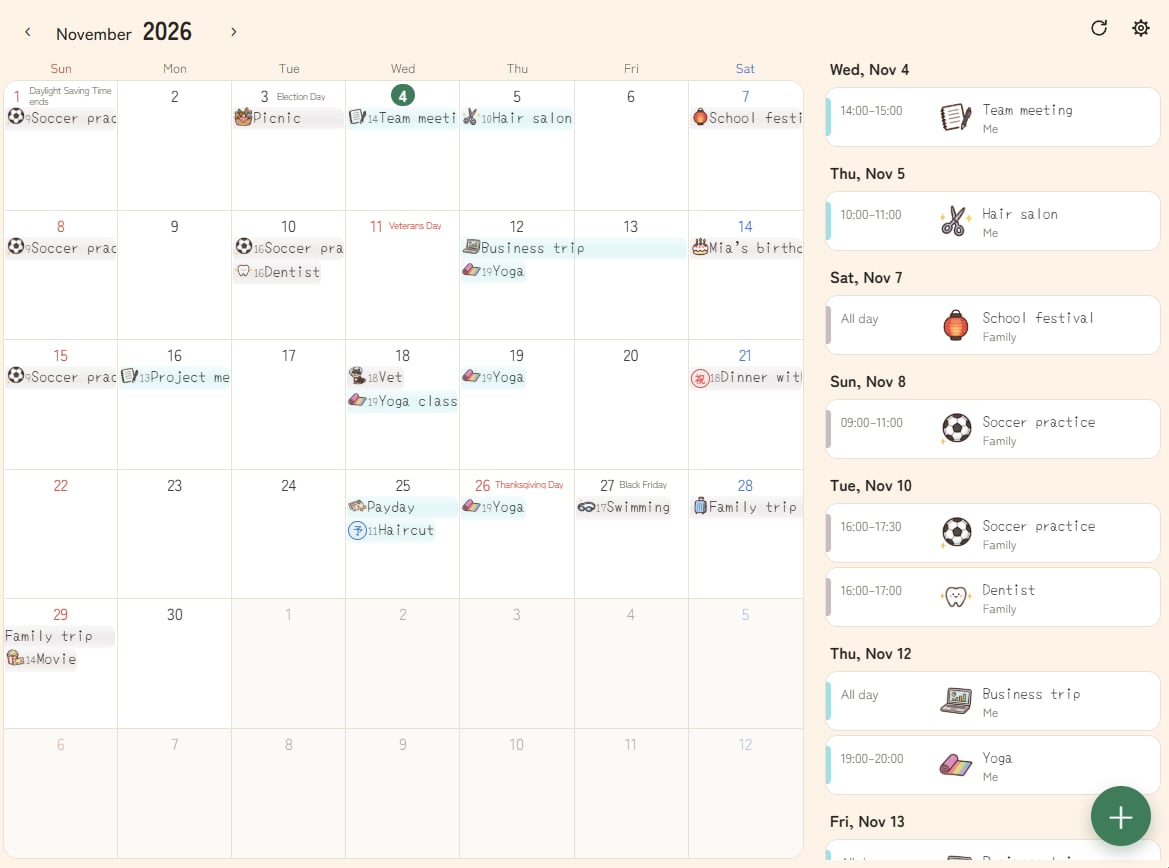
CalMame is a calendar app for viewing and adding events in Google Calendar. Your events stay in your own Google Calendar; CalMame is just a friendlier screen for seeing them and adding new ones.
- When you add an event, the calendars you can write to (yours, your family’s, shared ones) appear as buttons — pick one with a single tap.
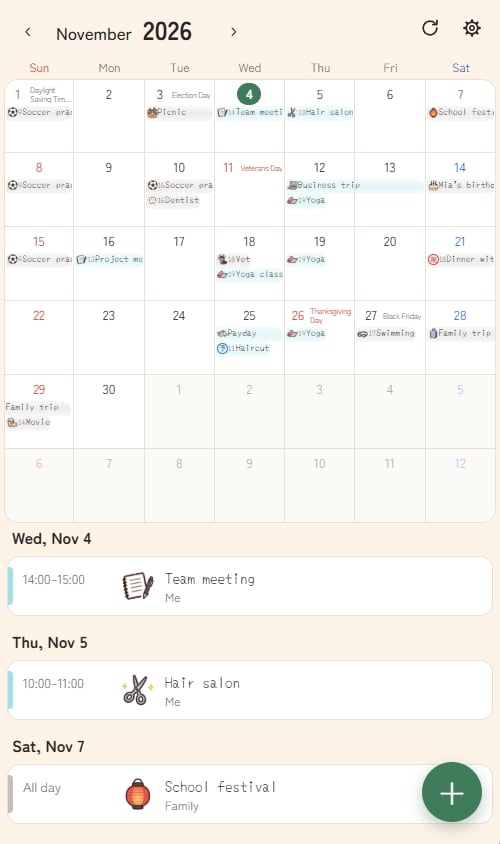
- See your events in a month view; tap a day to list that day’s events.
- Set each calendar’s color, visibility, and button order.
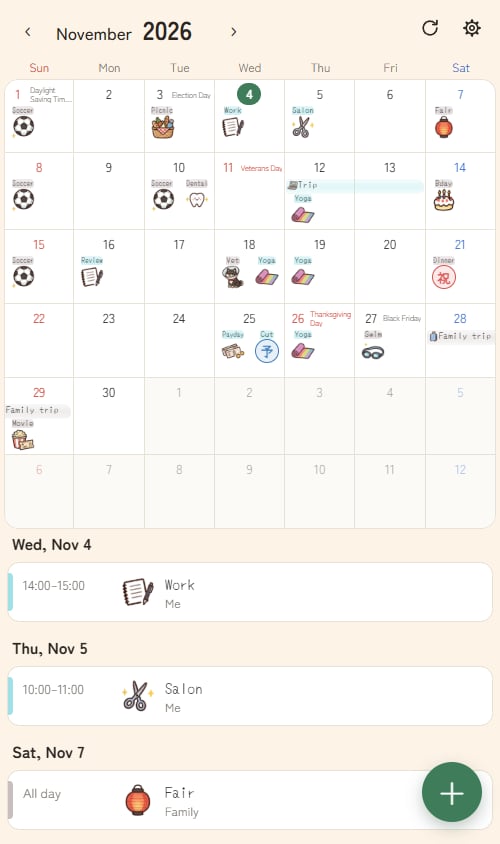
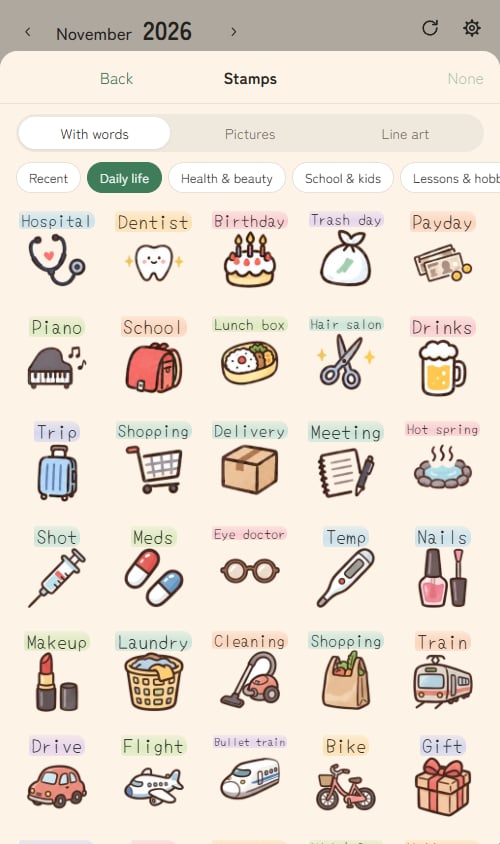
- Put cute original stamps on your events.
- Add it to your phone’s home screen and use it like an app (Android and iPhone).
- English and Japanese, with your device’s time zone and your country’s public holidays.
How it uses Google Calendar
CalMame accesses your Google Calendar only after you sign in with Google and grant permission, and only to show your calendars and events and to create, edit, delete, and move events when you ask it to. See the Privacy Policy for details.
Get started
Open it in your phone or computer browser and sign in with your Google account. It’s free.